
What Kind of Feedback Can I Share?
You can submit feedback about:
- Issues or limitations in current workflows
- Suggestions for improving HubSpot tools or configurations
- Missing features you think would help
- Improvements to internal documentation or data processes
- General thoughts on usability or functionality
How to Submit Feedback Internally
If your feedback is related to how your company uses HubSpot, follow these steps:
- Submit a Feedback Form
Use our internal [Feedback Submission Form] (📌 insert your internal link) to describe your idea or issue. - Include Key Details
- What tool or feature it relates to
- Why it matters or how it impacts your work
- Suggested change or improvement
- Tag the Right Team (if applicable)
If your org uses ticketing or tagging (e.g., Ops, CRM Admin, Sales Enablement), tag the right team or person.
How to Suggest Product Improvements to HubSpot
If your suggestion is related to HubSpot itself (e.g., “Add a report filter,” “Improve workflow branching”), you can submit it directly to HubSpot via:
HubSpot Ideas Forum
Steps:
- Log in to your HubSpot account.
- Visit the Ideas Forum.
- Click “Submit an Idea.”
- Provide a detailed description and context.
- Upvote existing ideas if someone has already submitted your suggestion.
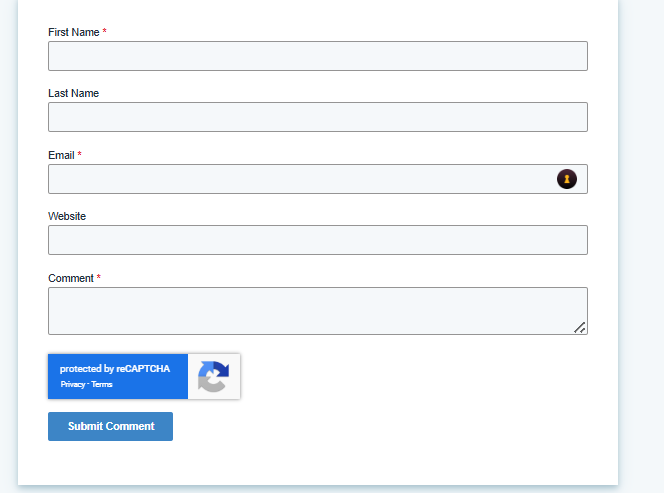
HubSpot product teams actively review these suggestions.
Best Practices for Submitting Feedback
- Be clear and specific: What’s the issue or idea? What’s the impact?
- Include screenshots or links if relevant.
- Suggest a realistic solution or workaround if possible.
- Avoid technical jargon unless it's necessary and accurate.
What Happens After I Submit Feedback?
- For internal feedback:
The assigned team (e.g., Operations, Enablement, CRM Admin) will review your input and may follow up with questions or next steps. - For HubSpot product feedback:
If your idea gains traction (upvotes and engagement), it may be considered by the product team. HubSpot often updates the status of ideas (e.g., “Being Reviewed,” “In Planning”).
Need Help or Want to Discuss Feedback?
If you're unsure how to submit your suggestion or want to talk it through:
- Reach out to your HubSpot Admin, team lead, or CRM owner.
- Join internal feedback sessions or standups (if available).
- Use internal collaboration channels (like Slack or Teams) to raise suggestions for discussion.